

A facilities manager brings an external contractor into a headquarters renovation. The contractor needs occupancy information to plan the work, asset records to understand what sits in the affected areas and assigned work orders to coordinate activity. The request sounds simple until several systems interpret it differently.
The visitor platform recognizes the contractor, but the asset system does not. A local administrator grants broad building access because project-level permissions do not exist. The service platform still shows the contractor as active two weeks after the project ends. IT approved one assignment, but disconnected operational systems turned that decision into several inconsistent versions.
Access policies establish who may receive permissions and under what conditions. Facilities, workplace, and asset teams then need to coordinate the operational records and workflows surrounding that decision.
Connected platforms can help IT teams put those policies into action, by linking visitors, sites, spaces, assets, work orders, projects, and time periods, so responsible teams share the context needed to move work forward and maintain accountability.
Key takeaways
- Operational coordination starts with shared context: Identity confirms who someone is, while visitor, site, asset, project, and work records explain why the person is there and which teams need to act
- Temporary work needs a coordinated ending: Connected workflows can help sponsors, facilities teams, security, and IT review visits, assignments, credentials, and permissions when projects or contracts change
- Accountability depends on visible handoffs: Teams need status, ownership, evidence, exception handling, and verification from the original request through operational closeout
Shared records and connected workflows give operational leaders a clearer view of contractor activity while helping IT and security confirm that access reviews keep pace with changing responsibilities.
Operational access often breaks in the space between policy and work
Enterprise identity systems usually manage the foundational record for employees, contractors, and partners. Workplace and facilities teams manage a different layer of context. They know which building someone supports, which assets a vendor services, which project requires temporary access, and when that responsibility ends.
Problems emerge when the two layers cannot exchange enough information. An approved identity may reach the sign-in screen but not the correct location, asset group, or workflow. An administrator may compensate by assigning a larger role than the person needs. Another team may record the expiration date in a spreadsheet that never triggers a change in the operational system.
The scale of the technology environment increases the chance of those gaps. According to Eptura’s latest Workplace Index report, 66% of workplace managers use six or more workplace technology systems, including 33.5% who use 15 or more. Reservations, occupancy, visitors, maintenance, assets, space planning, and building access may all contribute to one person’s operational experience.
No single approval creates a coordinated contractor experience when operational systems hold different versions of the assignment. Facilities, workplace, corporate real estate, security, and IT teams need shared context that preserves the meaning of the decision as visits, space access, asset activity, and work move across systems.
Connect identity decisions with operational context
Single sign-on makes access easier, but convenience only solves part of the problem. A connected platform should also use directory and identity information to apply the right operational role. The contractor in the renovation scenario needs more than a valid account. They need access to the headquarters site, the renovation zone, relevant assets, and assigned work orders for a limited period.
That distinction matters because identity answers who the person is, while operational systems add where the person is expected, which work they support, and which records teams need to coordinate. Connected workflows and integrations can help carry an approved role, group, or assignment into the relevant platform without requiring another administrator to rebuild the full context by hand.
Organizations that use Microsoft identity and collaboration tools can include those services in a broader identity workflow. The facility or asset platform should complement the enterprise ecosystem rather than force IT to recreate identity governance inside a separate application.
When evaluating a system, operational leaders should work with IT to look for capabilities that create connections, including:
- Support for single sign-on and modern authentication standards
- Directory synchronization and reliable user lifecycle updates
- Role or group mapping that can translate enterprise identity into operational permissions
- Integration options that fit the organization’s existing identity and workflow architecture
They reduce duplicate administration, but their larger value comes from coordination. The same approved assignment can inform the systems where the person visits, performs work, supports assets, or interacts with workplace teams.
Use sites, assets, and assignments to shape permissions
Traditional application roles often grant access at a broad functional level. Workplace operations need more context. Two facilities coordinators may perform similar tasks while supporting different locations. Two vendors may service the same building but work on different asset categories. A project manager may need portfolio visibility for six months without gaining configuration rights.
A capable facility and asset management system can use role-based access alongside operational boundaries. Depending on system configuration and integrations, site, building, floor, asset type, work order, project, contract, and region can help define the appropriate scope. The approach can support a regional planner, a local coordinator, and a maintenance contractor without treating them as variations of one oversized role.
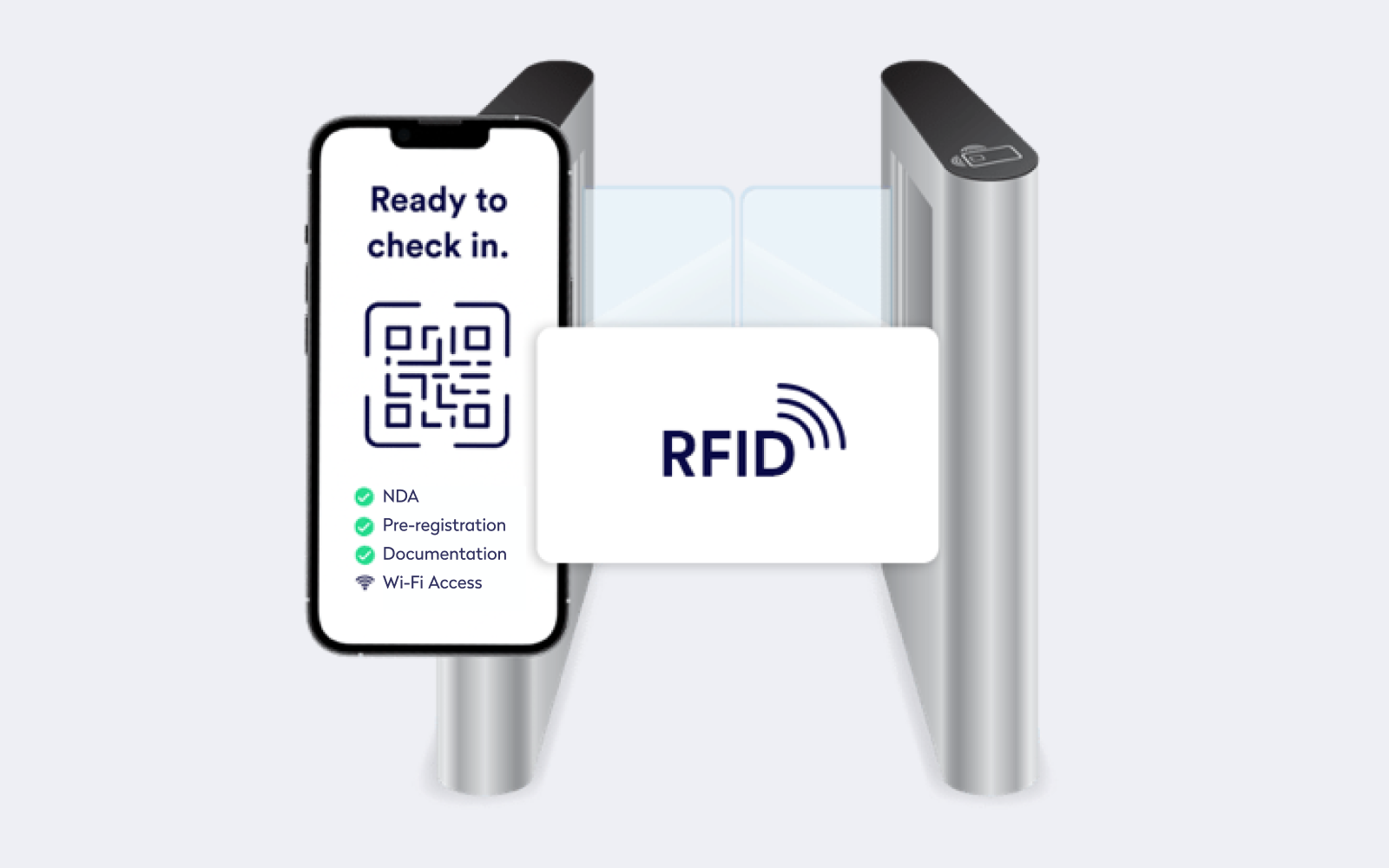
The renovation contractor illustrates the difference. Broad “facilities user” access could expose unrelated properties, employee information, or asset records. Context-aware permissions could instead limit the contractor to the headquarters project, affected renovation assets, assigned tasks, and the occupancy information needed to sequence the work.
Organizations do not need a unique role for every person. They need a system that supports reusable baseline roles plus controlled operational scope. That model creates enough flexibility for real work without turning exceptions into permanent custom configurations.
Make temporary access reflect temporary work
External and project-based work creates a predictable access pattern: responsibility starts, changes, and ends. Systems create risk when they treat that pattern as a permanent user account followed by a reminder for someone to clean it up later.
Time-bound access works best when organizations connect permissions to the assignment itself. A sponsor, project, contract, visit, or work order can provide the start and end conditions. Connected workflows and integrations can help teams coordinate activation, extension reviews, owner notifications, and removal or suspension when the assignment changes or ends.
The contractor’s final day should not require several administrators to remember which systems they touched. Project completion can trigger or inform closeout workflows, depending on system configuration and integrations. The operational record can preserve the relationship among the sponsor, approved scope, active dates, and completed work so each responsible team knows what to review.
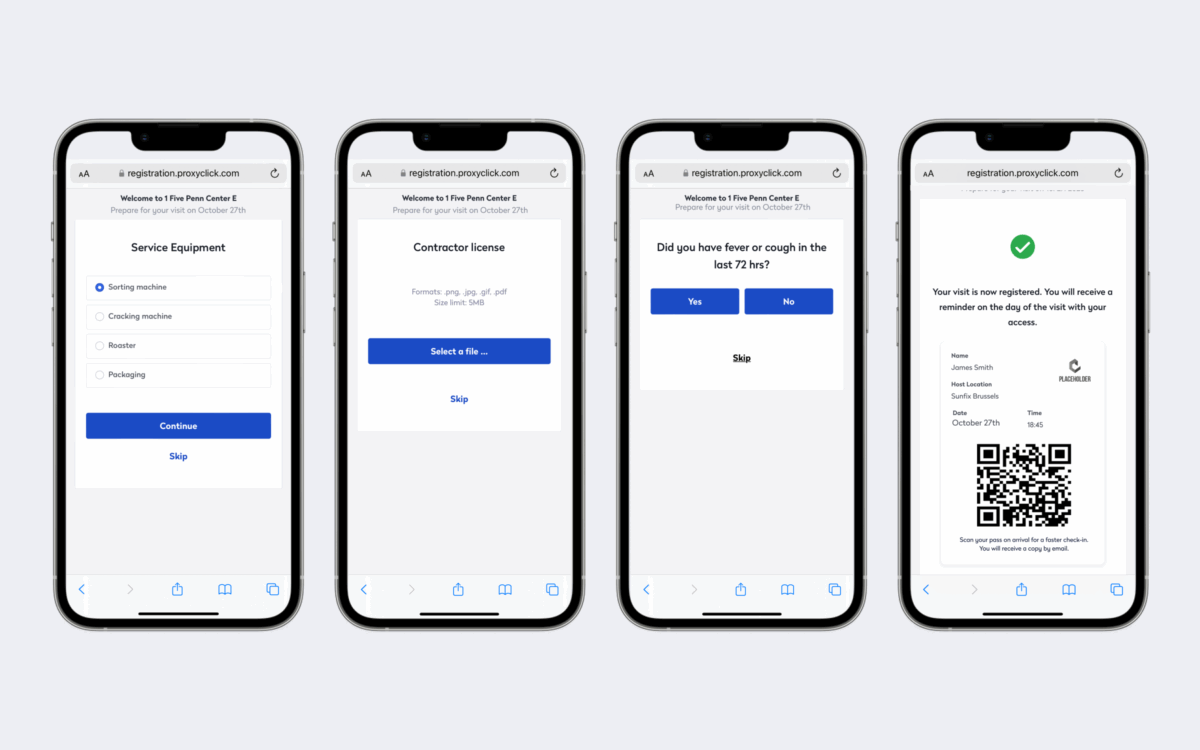
Visitor and physical-access processes benefit from the same approach. A platform may connect approval status with credentials, permitted locations, visit duration, and host information. Access-control integrations, watchlists, and visitor histories can help teams apply the approved visit consistently across digital and physical workflows.
Useful evaluation questions include whether the system can:
- Apply start dates, expiration dates, and event-based end conditions
- Associate external users with a named sponsor, project, contract, or visit
- Trigger extension reviews instead of silently preserving access
- Coordinate digital permissions with visitor or physical-access workflows
Temporary access works best when the system treats expiration as part of the original design, not as a separate cleanup project.
Preserve one visible workflow from request to fulfillment
Operational access often becomes difficult to manage because the evidence lives in different places. Email contains the request, a ticket records approval, an administrator changes the facility system, and a spreadsheet tracks the contractor’s end date. Each tool may contain part of the story without showing whether the person received the correct access.
A facility and asset management platform can help by connecting the operational request with its business context. The record can show the recipient, sponsor, purpose, affected sites, required actions, duration, approver, and fulfillment status. IT still owns identity governance and security standards, while the operational platform keeps the decision close to the work that justified it.
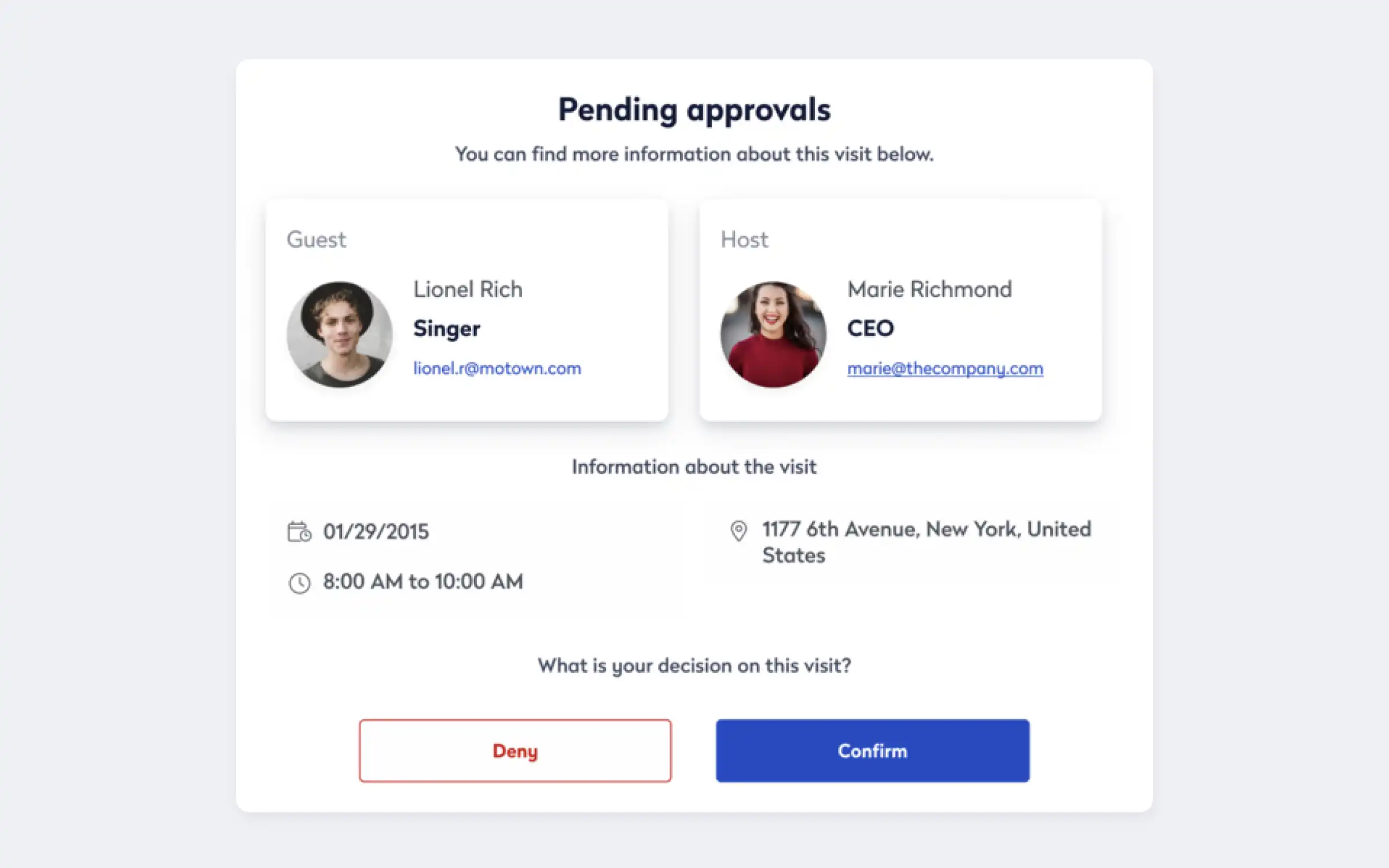
Status visibility also improves the experience for workplace teams. Depending on the connected workflow, a requester may be able to see whether an approval remains outstanding, whether a handoff or integration failed, or whether another team needs information. IT and operational leaders can identify recurring bottlenecks without asking users to chase updates across departments.
Completion should represent a verified result rather than the first successful system response. Platforms that expose provisioning status, integration errors, and unresolved tasks make it easier to find partial failures. A documented manual route can support unusual cases, but the platform should retain the same sponsor, approval, scope, and evidence when someone completes a step outside the standard integration.
Let operational events drive access changes
People rarely keep the same operational responsibilities for the life of an account. They move locations, join projects, cover temporary duties, change vendors, or shift from regional to local roles. Formal job titles may remain unchanged while the access requirement changes substantially.
Connected workflows allow operational events to trigger or inform the right review. A new contractor assignment may initiate setup. Organizations can use connected workflows and integrations to help update visit information and notify responsible teams when project timelines change. A location transfer may prompt a site-scope review, while project completion or contract termination may begin closeout and deprovisioning activities.
Event-driven changes matter because scheduled reviews cannot catch every operational shift when it happens. Periodic certification still helps teams confirm ongoing access, especially for elevated roles and exceptions. Operational triggers add a more immediate control when the underlying responsibility changes.
Operational leaders and IT should assess whether a facility and asset management system can exchange lifecycle events through available integrations, workflow tools, or application programming interfaces. The goal does not require full automation in every case. A dependable system should at least support a visible, owned task with enough context for someone to act correctly.
Keep exceptions visible without designing around them
Renovations, incidents, integration failures, and urgent maintenance can require access outside the normal route. The presence of exceptions does not automatically signal a weak process. Invisible or open-ended exceptions create the larger problem.
A useful operational platform gives teams a place to record what changed, why the standard process could not apply, who approved the decision, which permissions the person received, and when the exception requires review. Emergency access may also require stronger logging or a shorter expiration period.
Recurring exceptions reveal where the standard model no longer matches the work. Several requests for the same cross-site permission may indicate a missing role. Frequent manual provisioning may expose an unreliable integration. Repeated extensions may show that project dates do not reach the access workflow.
Exception reporting therefore supports more than audit preparation. It helps IT and facilities teams improve roles, workflows, integrations, and ownership based on patterns from real operations.
Give deprovisioning the same system support as provisioning
Provisioning gets attention because someone waits to begin work. Deprovisioning often happens after the visible urgency disappears, even though outdated access creates a longer-term risk.
Facility and asset systems can strengthen offboarding when they connect operational records with the teams and systems responsible for access. Project completion, vendor transition, location change, employee departure, contractor offboarding, and visit completion can trigger or inform reviews that remove or adjust permissions, depending on system configuration and integrations.
Partial changes matter as much as complete removal. A regional facilities manager who moves into a local role may still need the system, but not the same sites or portfolio data. The platform should support a precise change rather than forcing IT to choose between keeping excessive access and removing access that the person still needs.
Verification closes the lifecycle. IT needs evidence that each affected account, role, site assignment, credential, and integration changed successfully. A closed task only proves that the workflow ended. Reliable status and exception reporting show whether the connected environment reached the intended result.
Choose a platform that supports coordination and accountability
Identity systems establish who someone is. Workplace platforms provide the operational context: what they are there to do, where they need to go, and when their access should end.
To connect visitor, workplace, facilities, and asset operations, and help teams coordinate contractor activity with greater visibility and less manual work, learn more about our platform.
Frequently Asked Questions

By Erin Sevitz
As Vice President of Content and Customer Marketing at Eptura, Erin Sevitz oversees teams responsible for providing worktech insights and engaging 25 million Eptura users worldwide. With over 10 years in thought leadership on workplace management and the built environment, Erin brings deep industry knowledge to her role. Previously, she led communications for the International Facility Management Association, a global nonprofit dedicated to professional development for workplace strategists and building managers, and served as editor in chief for IFMA’s FMJ magazine.